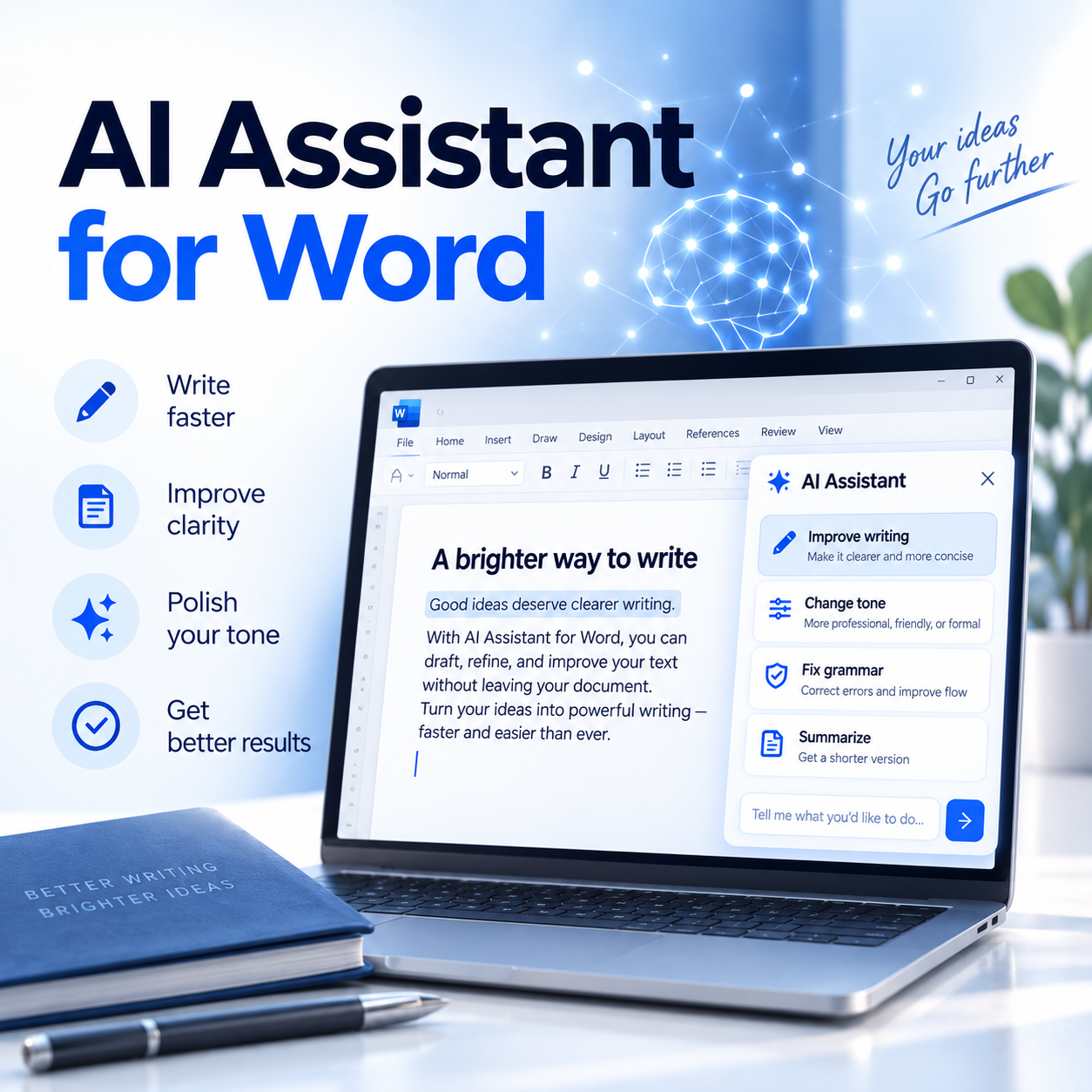
AI assistance for Microsoft Word

Professional writing.
Directly in Word.

AI Assistant for Word brings AI-powered writing, analysis, translation and document tools directly into your familiar Word environment – without constantly switching between applications.

For Microsoft Word on Windows · German & English
AI Assistant for Word on a laptop screen
Directly in Microsoft Word • Your own OpenAI API key • Word & Outlook workflow • German & English

Product demo

See AI Assistant for Word
in action.

Experience the most important workflows directly inside Microsoft Word – from quick corrections and structured tables to AI chat, analysis, translation, document creation, Outlook integration, text recognition and integrated help.

9:17 min walkthrough Fullscreen ready Real Word workflows

Click the glowing play orb to open the product demo in a large player.

Everything in one place

AI tools for your
everyday work in Word.

AI Assistant for Word brings a range of AI features directly into Microsoft Word. Choose the tool that fits your document and stay inside your familiar Office environment throughout the workflow.

✦

AI chat in Word

Use the integrated chat next to your document for questions, ideas, rewrites and new content. Responses can be displayed with formatting and inserted into the Word document when needed. Simple instructions can also be turned into structured results such as tables.

  • Insert formatted responses directly into Word
  • Cancel requests while they are being processed
Learn more →
✎

Create documents

Create common documents directly in Word with a consistent input form based on DIN 5008. Your details are collected in a structured way and turned into a complete document, including complaints, cancellations, objections and other everyday correspondence.

  • Consistent DIN 5008 input form
  • Structured output directly as a Word document
Learn more →
✓

Edit & analyze

Improve existing text or analyze it for specific aspects. Common edits are also available through Quick Access in a compact side pane. Analysis tools can examine structure, coherence and argumentation logic and return their findings as comments directly in the Word document.

  • Quick Access for common text edits
  • Language refinement and quality review
  • Structure, coherence and argumentation analysis
Learn more →
▤

PDF & image to Word

Bring content from PDF files or images into Word and use AI for further processing. Depending on the source, text can be extracted and documents can be reconstructed as editable Word content with attention to the original layout. This is especially useful when information needs to be edited rather than merely viewed.

  • Editable Word output instead of a static view
  • OCR and layout-oriented reconstruction
Learn more →
◎

Translation & addresses

Translate selected text or entire documents directly in the Word document. Choose the target language and additional options conveniently from the translation pane. For correspondence, saved addresses and supported external sources can also be used so recurring information can be brought into the workflow more efficiently.

  • Multiple target languages and style options
  • Local addresses plus supported Excel and Outlook sources
Learn more →
↗

Word & Outlook

Use Word as a comfortable editing environment for content that will later be used in Outlook. Text can be created or improved in Word with the available AI tools and then returned to the email workflow. Depending on the task, the result can be transferred as formatted text or as a PDF.

  • Create and edit email content in Word
  • Return content as formatted text or PDF
Learn more →

A clear workflow

From the first idea to the
finished result.

Stay in control and work step by step in your familiar Word environment.

01

Choose your starting point

Open a document, select text or bring content in from Outlook.

02

Choose the right tool

Write, revise, translate, analyze or create documents with the appropriate tool.

03

Review the result

Review suggestions and keep only what fits your document.

04

Continue working

Edit, save or transfer the result directly within your existing Office workflow.

Your advantage

Less switching.
More focus.

No separate writing environment and less copying between applications. AI Assistant for Word brings intelligent assistance directly into your Word workspace.

View system requirements →
✓

Familiar environment

Keep working in Microsoft Word – with Ribbon controls, panes and features directly in the document.

✓

You stay in control

AI suggestions can be reviewed, accepted or discarded – the document stays under your control.

✓

For everyday tasks

From quick text corrections and translations to complete documents and email workflows.

Before you start

System &
requirements.

Microsoft Word

Microsoft Word 2019 or later on Windows.

OpenAI API key

AI features require your own OpenAI API key. After installation, enter it in the add-in settings. API usage is billed separately by OpenAI and is not included in the purchase price.

Internet connection

An internet connection is required for AI requests, model retrieval and license validation.

Available now

AI Assistant for Word
Version 1.1.2

One-time purchase for Windows: US$19.98. Simply choose your preferred checkout provider.

AI features require your own OpenAI API key. API usage is billed separately by OpenAI.

Buy via Gumroad Checkout via Gumroad

The download and license key are provided through Gumroad after purchase.

Buy via Paddle Checkout via Paddle

For Paddle purchases, the transaction ID serves as the license key.

Buy via Lemon Squeezy Checkout via Lemon Squeezy

The download and license key are provided through Lemon Squeezy after purchase.